
Skip to content

FEATURES · SEVEN MODULES

The whole equipment lifecycle, from registration to the logbook the auditor reads

Seven modules covering inventory, data import, inspections, deadlines, the logbook, field work and cost. 100% web-based, nothing to install.

BY WHAT IT SOLVES

Four moments that cost you an afternoon today

COMPLIANCE BY DESIGN

Regulation isn’t a separate module

Nothing to switch on or buy separately. Each item inherits its family’s interval, and the family comes from your country’s regulations.

See your obligation, country by country →
  • Archived versions

    Every document keeps its previous versions with the validity they stated.

  • Who did what, and when

    Every inspection carries a date and inspection company; every movement, its operator.

  • Per-customer isolation

    Your data, kept separate and protected with Row-Level Security.

  • GDPR portability

    Export all your data and documents whenever you like.

Try it with your own equipment

Free plan with 15 items and 300 AI credits. No card needed.

01

INVENTORY · Inventory and regulatory families

Register an item and its standard is already set

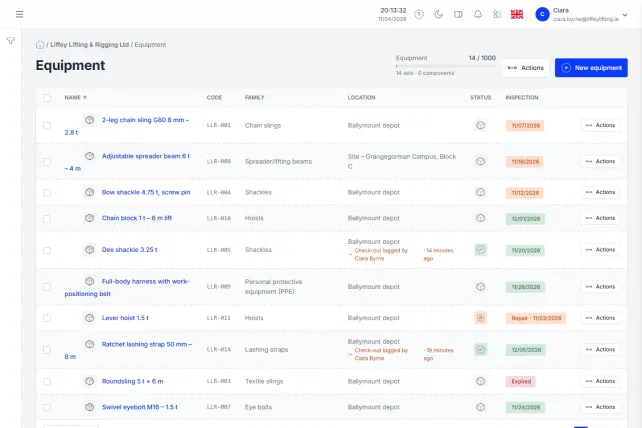
Items and assemblies with their regulatory data: WLL, CE marking, standard and manufacturer. Families supply the standard, interval and mandatory documents, and every item inherits them when it’s created.

  • Assemblies with components
  • System and custom families
  • Inherited regulatory data
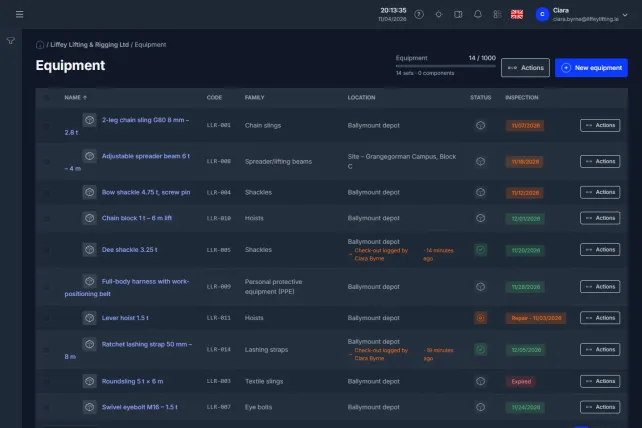
The panel inventory: every item with its family, its status and the date of its next inspection.

02

ARTIFICIAL INTELLIGENCE · AI import

Photograph the marking and let the record fill itself in

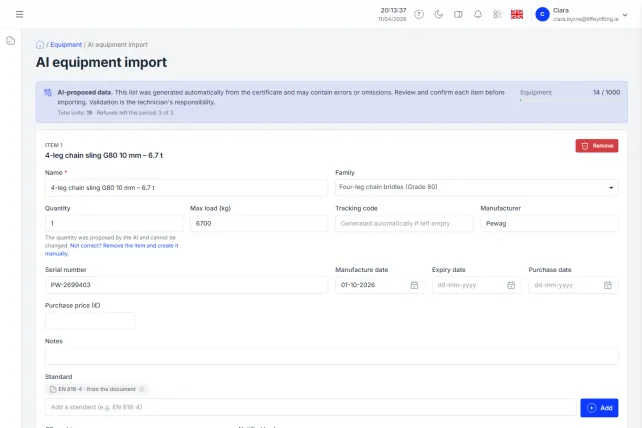
Photograph the marking or upload the certificate: the AI fills in WLL, CE marking, standard, manufacturer and family. You review and confirm.

  • Reads plates, markings and PDFs
  • Record autofill
  • Human check before saving
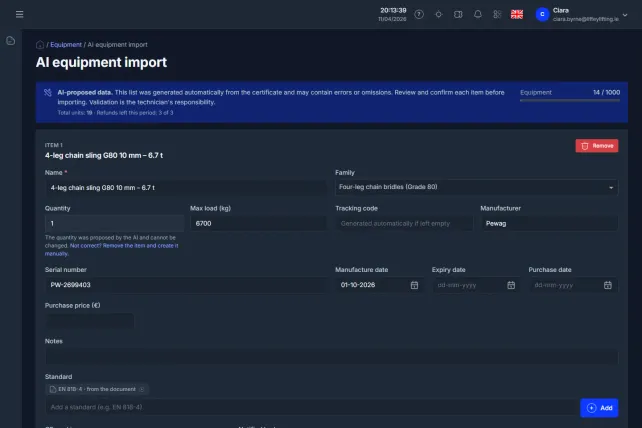
AI import: the items read from the certificate, ready to review before they are saved.

03

INSPECTIONS · Formal inspections

Keep the inspector’s report where you’ll find it

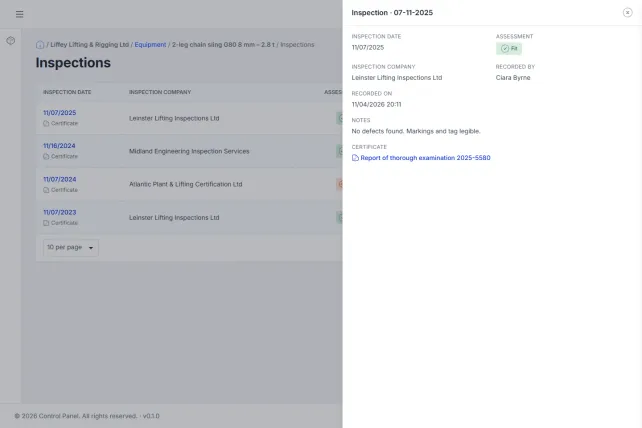
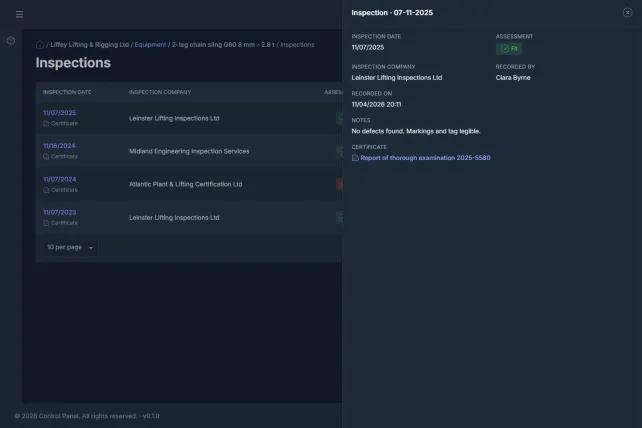
Upload the record from the external inspector or authorised inspection body: date, result and PDF certificate. One at a time or grouped into an inspection covering several items.

  • Certificate attached
  • Batch inspections
  • Next date set automatically
An item's inspections, each with its result, the inspector and the attached certificate.

04

PLANNING · Calendar and alerts

Hear about the due date before it arrives, not after

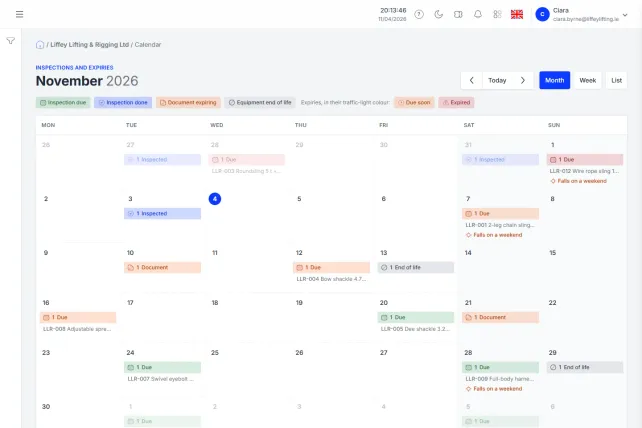
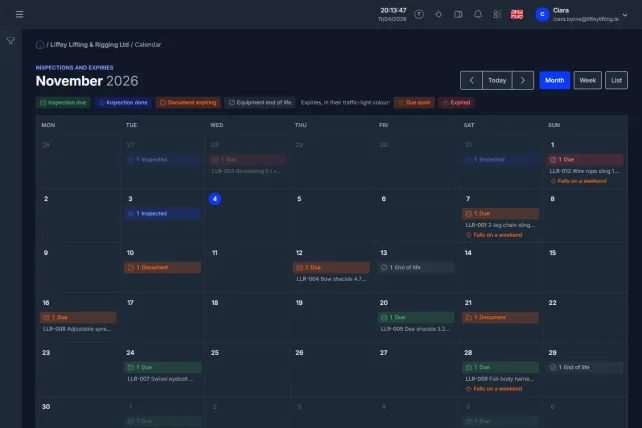
Every inspection and due date in one calendar, coloured like a traffic light. Tap a day, record the inspection and you’re back where you were.

  • Automatic daily sweep
  • Expiry alerts
  • In your Google Calendar or Outlook
The month calendar with each day's inspections and due dates, in traffic-light colours.

05

COMPLIANCE · Digital inspection logbook and PDF

Show the logbook with a link, no sign-up needed

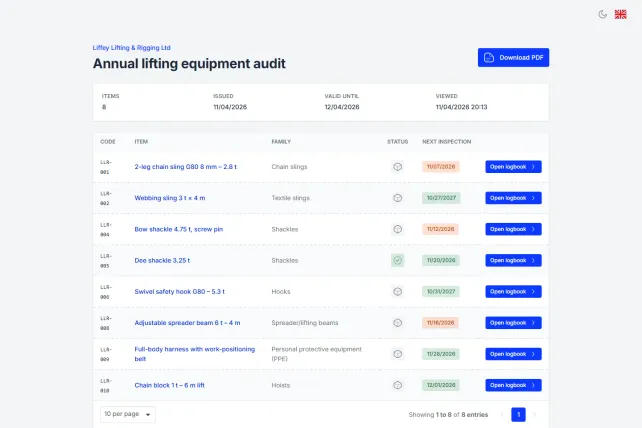
The inspection logbook, accessible by link: the auditor views it with no account and nothing to install. Also as an A4 PDF. It’s what you show when someone asks whether the equipment is up to date.

  • Access by link
  • A4 PDF download
  • No account for the auditor
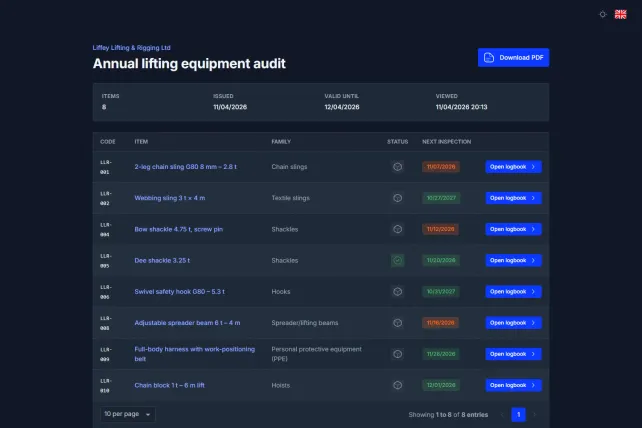
The inspection logbook as the auditor opens it from the link, with no account.

06

FIELD · QR, NFC and operator portal

Make sure operators can’t take out a failed item

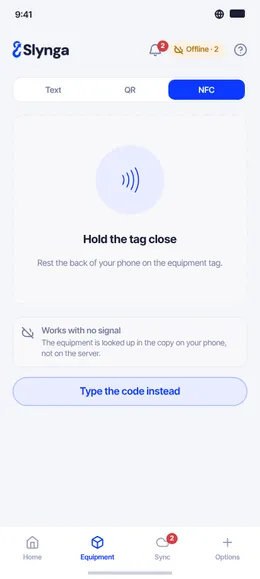
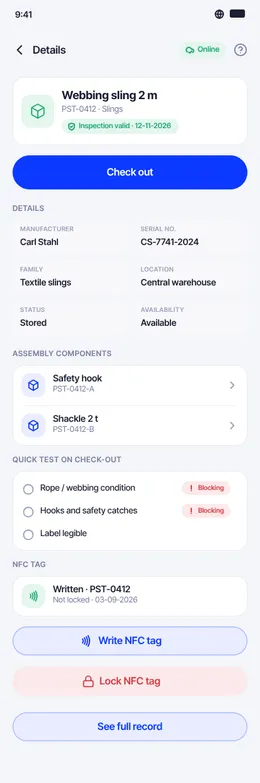
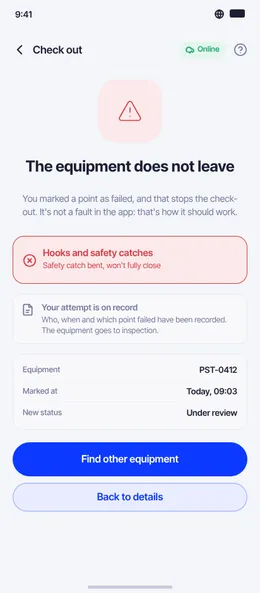
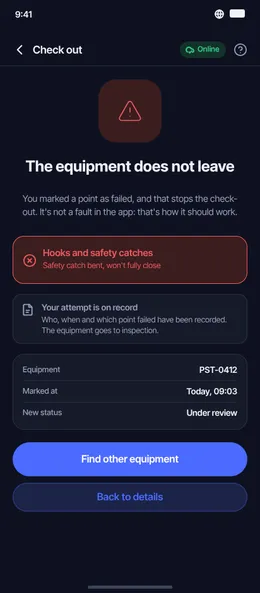
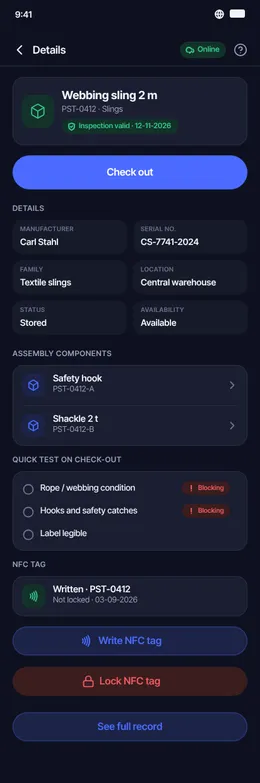
QR labels by batch. The operator scans, runs the pre-use check (UNE-EN checklist) and logs custody. If the item fails, check-out is blocked.

  • QR by batch
  • Android and iOS apps
  • Custody and pre-use
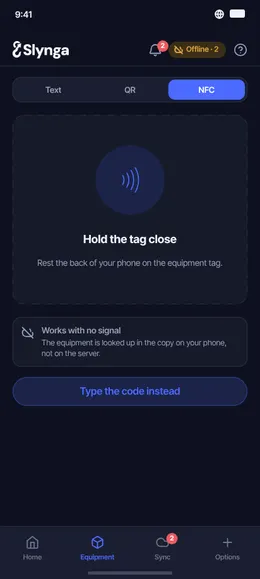
The app finding an item by NFC.
An item's record in the app.
The app blocking the check-out of a failed item.

07

COST · Cost and depreciation

What each item is worth and what each site spends

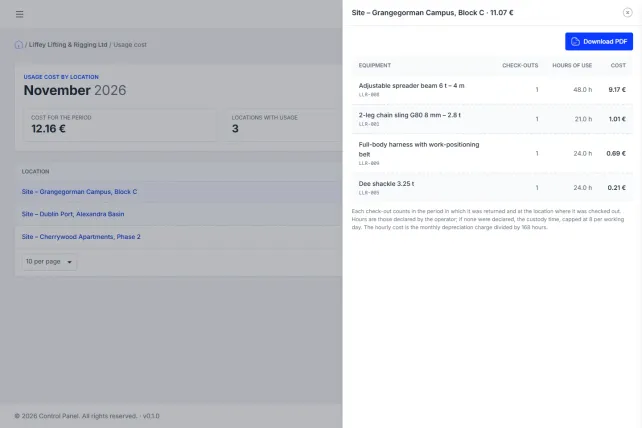
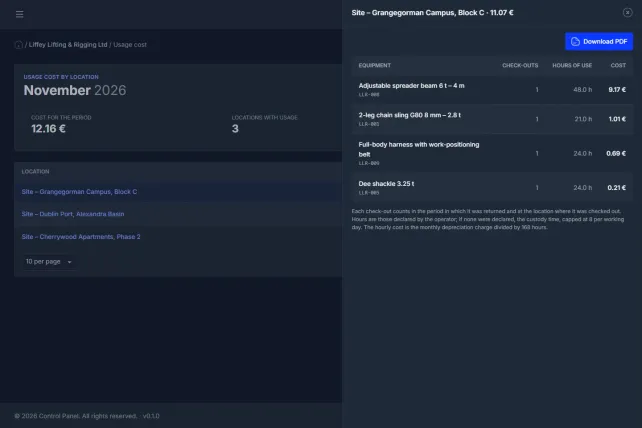
Purchase price and depreciation for every item, with the remaining value kept up to date. How much each site has used in equipment this month, with the hours of each check-out. The total hides nothing: it tells you how many items have no price.

  • Depreciation per item
  • Use by site
  • Unpriced items in plain sight
The month's cost of use by site, with the total and the items that have no price.

AND THERE’S MORE

Beyond inventory

Operator app, geolocation, role-based permissions and integration with your ERP.

The logbook writes itself while you work

You register, you inspect, and the history stays. On inspection day there’s nothing to prepare.